
Table of Contents
1. The Business Cost of Being Unprepared
Website downtime costs small and medium businesses an average of $427 per minute in lost revenue, productivity, and customer trust damage. For a business generating $50,000/month in web-driven revenue, a 4-hour outage represents over $100,000 in direct and indirect losses — before accounting for the SEO impact of extended downtime (Google demotes sites that become temporarily unavailable during crawl windows).
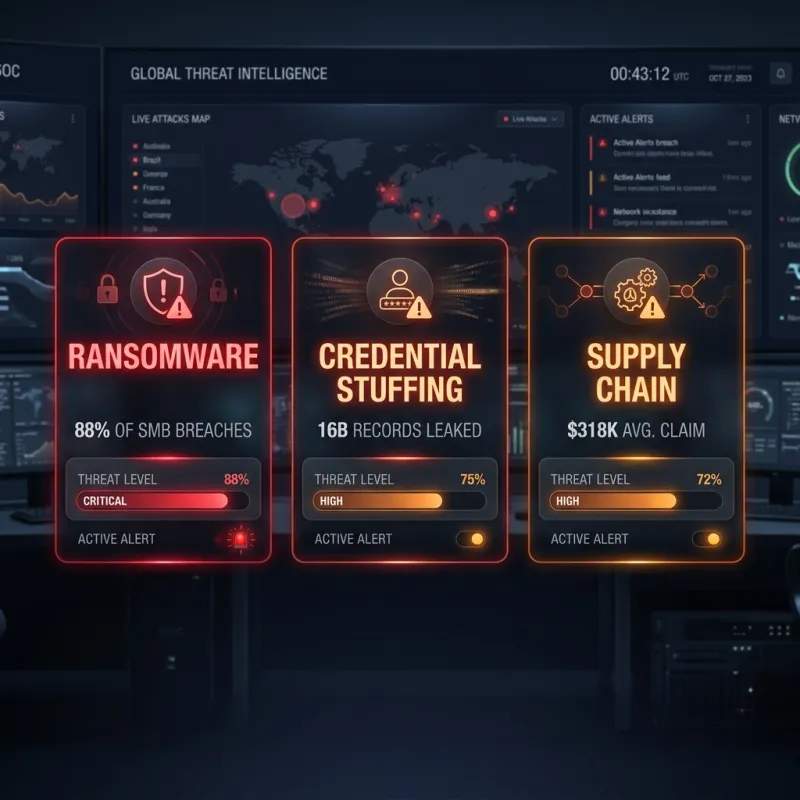
The threat landscape has intensified. Ransomware is now involved in approximately 88% of SMB breaches, with attackers specifically targeting small businesses because their backup infrastructure and incident response capabilities are typically weaker than enterprises. Average ransom demands against SMBs have reached $318,000 — and paying does not guarantee data recovery.
2. The 3-2-1 Backup Architecture Every Business Needs
The industry standard for resilient backup architecture is the 3-2-1 rule: 3 copies of your data, stored on 2 different media types, with 1 copy offsite. For a website, this translates to: daily automated backups within your hosting environment, weekly backups to a separate cloud storage provider (AWS S3, Backblaze B2, or Google Cloud Storage), and monthly backups to cold storage or a physical drive kept offsite.
The offsite copy is not optional — it is the specific protection against ransomware, which typically encrypts or destroys all copies of data accessible from the infected system. If your backup is stored on the same server as your website, a ransomware attack destroys both simultaneously. Offsite backups are your recovery lifeline.
3. Tested Backups vs. Theoretical Backups
Studies of real-world disaster recovery scenarios consistently find that between 30–50% of backups fail when restoration is first attempted in a production incident. This is not because backups are not created — it is because they are never tested. A backup that has not been successfully restored is a theoretical backup, not a proven recovery asset.
The discipline of quarterly restoration drills — restoring your most recent backup to a staging environment, verifying data integrity and application functionality, and documenting the time required for each restoration step — is what separates businesses that recover quickly from incidents and businesses that pay ransoms. A business that has rehearsed recovery in a non-emergency environment can restore a clean site in 60–90 minutes. A business doing it for the first time under crisis conditions typically takes 24–72 hours.
4. Incident Response: The First 60 Minutes
When a disaster occurs, the first 60 minutes are the most consequential. Immediately: isolate the affected system to prevent lateral spread (take hosting offline if under active attack), notify your hosting provider's security team (most providers have dedicated incident response for active attacks), verify which backup generation is clean (ransomware often silently encrypts systems for days before detonating), and if engaging law enforcement, preserve forensic evidence before wiping and restoring.
With a tested backup and a documented recovery protocol, full site restoration is achievable in under 90 minutes. Without these, the same incident can extend to days of downtime and five-figure remediation costs. Our maintenance and support plans include backup infrastructure, monitoring, and incident response support. See also our companion guide on retainer vs ad-hoc maintenance to understand ongoing protection options.
Transform your business today.
Reach out to our experts and discover how custom software can accelerate your growth.

